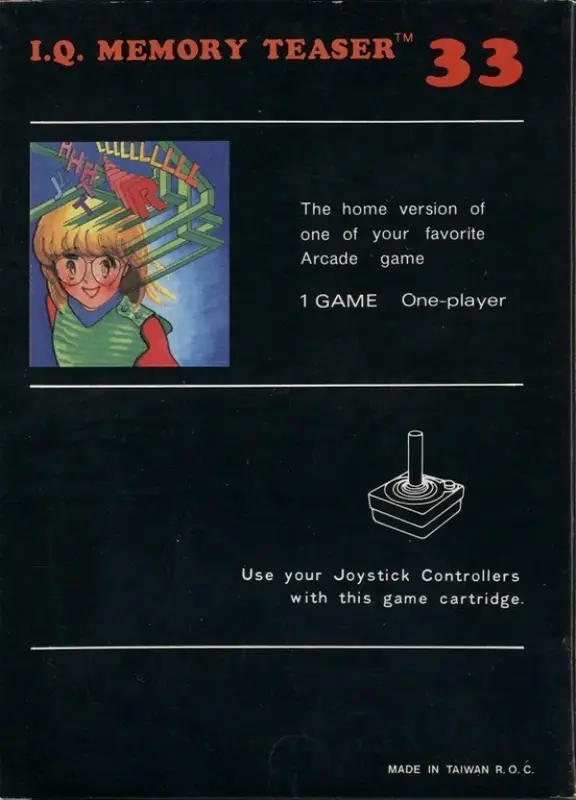
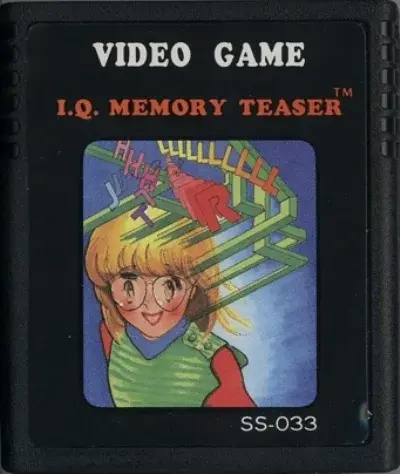
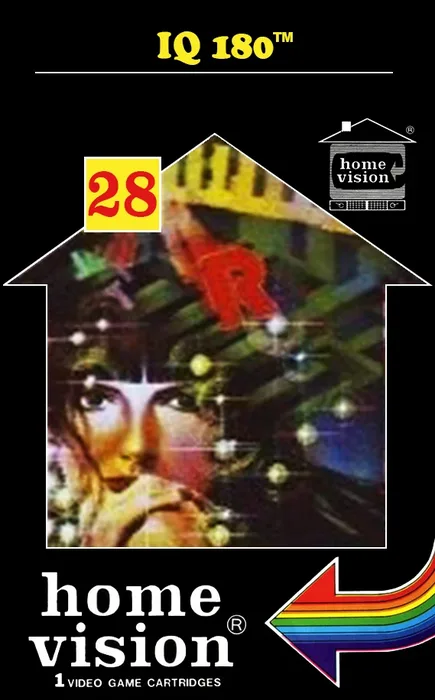
Cover: LaunchBox Games DB
Try playing
ControlsArrows moveCtrl button 1Alt button 2Space button 3Shift button 41 Start5 Select
Default emulator layout; the buttons may differ in some games. The Tab key opens the emulator menu where you can set the buttons.
First click the game screen once: after that the keys go to the game, not the page. To scroll the page again, click outside the game window. If the game does not respond, click the game screen again.
The game runs from the Internet Archive site in their emulator; there are no game files on our servers. We show it so you can get to know it; the rights to the game belong to the rights holders. The built-in player has no volume control: if there is no sound or you need to adjust it, open the game page on Internet Archive, which has sound and full-screen buttons. Game page on Internet Archive.
Video
Video: IQ 180 - Atari 2600 · JustPlayGames
IQ 180
Atari 2600 · Home Vision
RateSpecs
- Developer
- no data
- Publisher
- Home Vision
- First release
- no data
- Platform
- Atari 2600
- Rarity
- no data
Why
There’s no units produced with a source and not enough listings. We don’t make things up.
Description
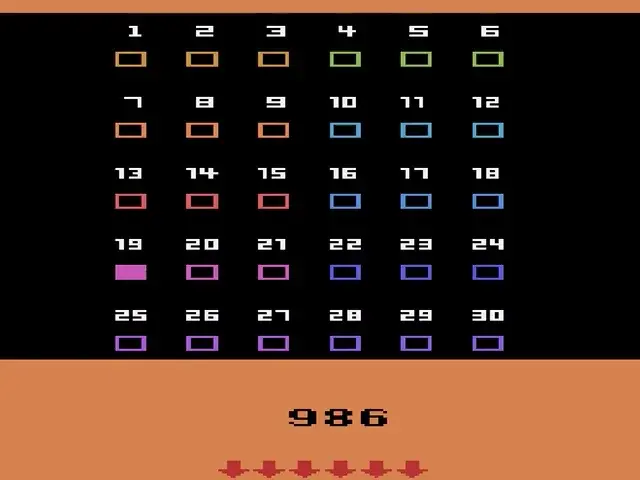
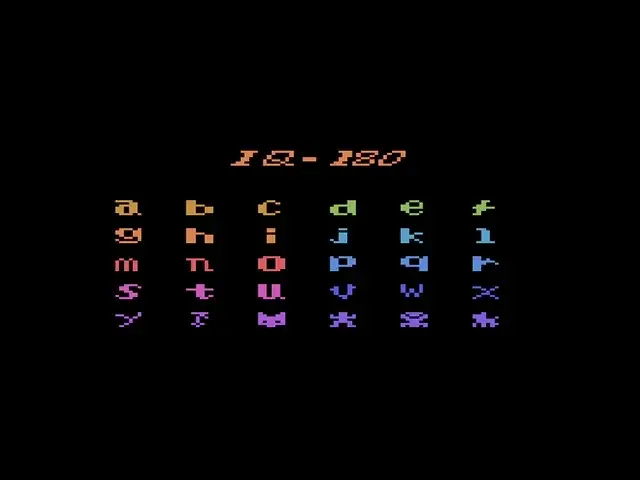
The title screen shows us 25 letters of the alphabet (where did the Z go?) and 5 symbols, representing little figures. If you press F1 to start, you will see the first screen with all the letters and symbols randomly presented and numbered from 1 to 30.
Read more
If you move the blinking cursor with your joystick down (in the direction of the red arrows), the second screen will appear with the same letters and symbols also numbered 1 to 30, but in a different order. You will also be confronted by a horrible tune. While the tune is playing, you will have to memorize the positions of the letters and symbols of both the screens by looking at their corresponding number (use your joystick to move the cursor in the direction of the arrows to let the other screen appear) or just write down the thirty letters and symbols of one screen on a piece of paper. When the tune stops, all the letters and symbols of both screens will change into little squares and a timer will count down from 1000 to 0. You have to memory match the same letters (or symbols) by pressing fire when your cursor is on the correct square. When two letters (or symbols) match, you will get 1 point and the two matching letters (or symbols) will stay on screen. When the two letters (or symbols) don't match, they will change into little squares again. If you manage to match all the thirty letters and symbols before the timer reaches zero, you will be confronted by another horrible tune and the game will end. If you do not manage to match all the thirty letters and symbols before the timer reaches zero, you will still be confronted by the same horrible tune and the game will end. When the game has ended you are still able to move the cursor and change squares into letters (or symbols).
Where to check prices and buy
 eBay
 Amazon
 Kleinanzeigen↗
 Vinted↗
 OLX Poland↗
 Allegro↗
 willhaben↗
 Catawiki↗
 Marktplaats↗
 OLX Ukraine↗
 Rozetka↗
 Prom.ua↗
 Hotline↗
The links open search results for IQ 180 Atari 2600 in shops and classified sites. We sell nothing and are not responsible for sellers: check the model and code.
Other games
More from Home Vision
Reviews and ratings
No reviews yet. Leave the first one: a rating and a few words help others choosing or evaluating the find.
Write a review
Reviews are published instantly. We remove violations upon report.